
Workforce Demographics Report:
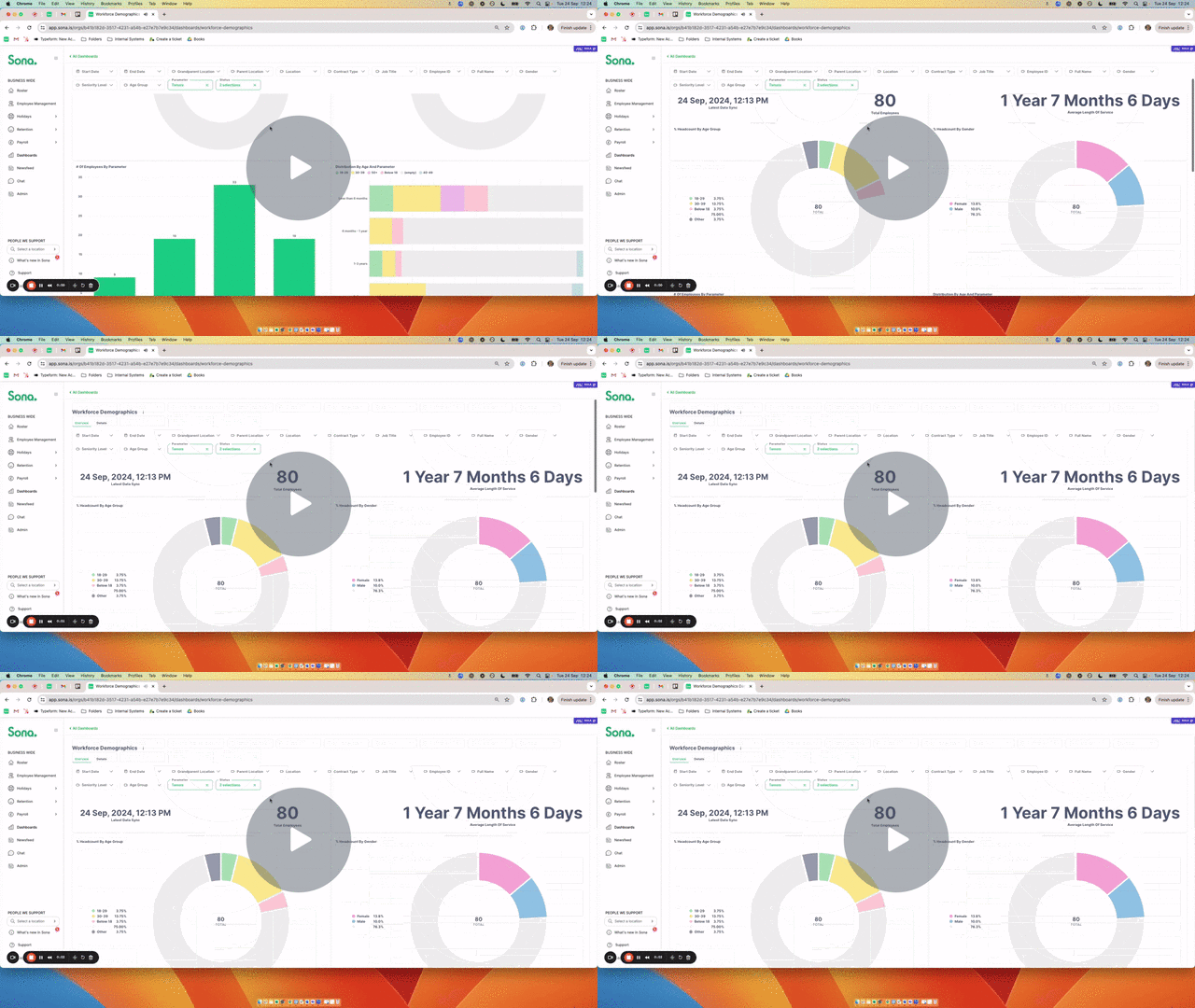
The Workforce Demographics Report can help you understand the composition of your workforce, identifying trends, and addressing potential gaps. The report includes detailed breakdowns by age group, gender, and tenure.
Video Walkthrough:
💡 Advanced Filtering:
Drill down into your data based on Employee ID, Full Name, Location, Job Title, Contract Type, Employee Status and more.
📊 Dynamic Parameter:
Interact with the dynamic parameter to view a break-down of your employees in multiple dimensions. To do this, simply update the dynamic parameter filter. By default, this will be set to “Tenure”.
❗️Important Definitions
- Status is the field you see in Employee Management and may be Active, Leaver (will leave soon), Left or Deactivated.
- Start & End Date allows you to go back in time to see the demographics of the active employee during a specific time period.
- The “Employee Turnover Over the Last 12 Months” chart has moved into the Turnover Report as this is a turnover chart, therefore it is no longer included in this report.
- Latest Data Sync is when the data in the report was last refreshed.