
Roster Audit Logs Report:
View details of changes made to shifts on the roster. Easily see when changes were made, who made the changes and when in one place.
Video Walkthrough:
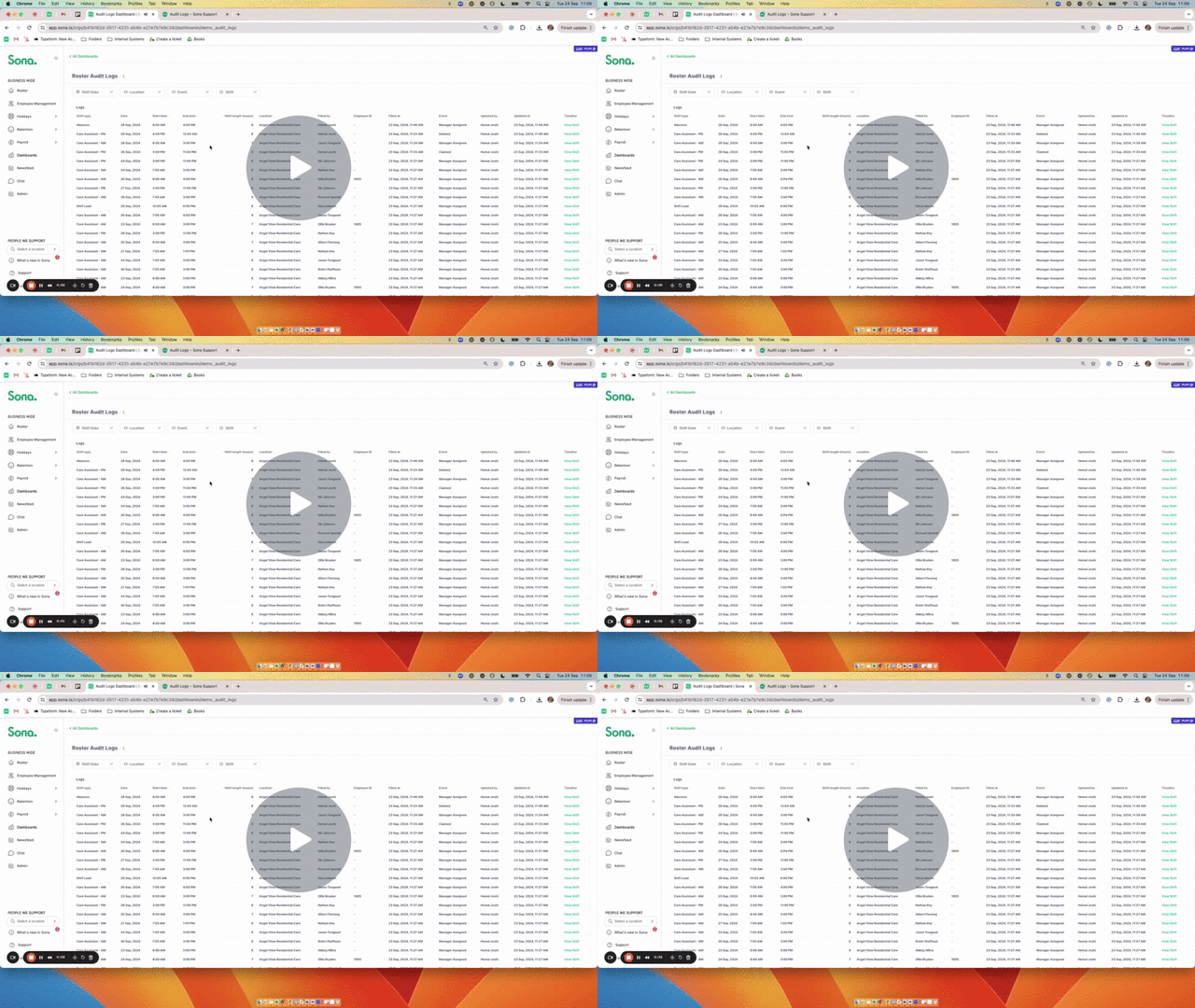
➕ Looking for a particular shift change?
Narrow down your search by using filters such as Shift Date, Location and Event.
❓ What is an Event?
An Event relates to the change that was made. An Event could be:
- Cancelled: The shift was cancelled before it took place.
- Claimed: The shift was claimed by the staff member as an open shift in the app.
- Deleted: The shift was deleted from the roster by a manager.
- Manager assigned: A manager assigned the shift to the employee on the roster.
- Unassigned: The shift had been assigned to an employee but was unassigned on the roster.
💡 Useful tip:
Use the ^ and v symbols to sort your data:
- Numbers: Can be sorted from high to low using ^ and v.
- Text: Can be sorted into alphabetical and reverse-alphabetical order.