
Shift Overview Dashboard:
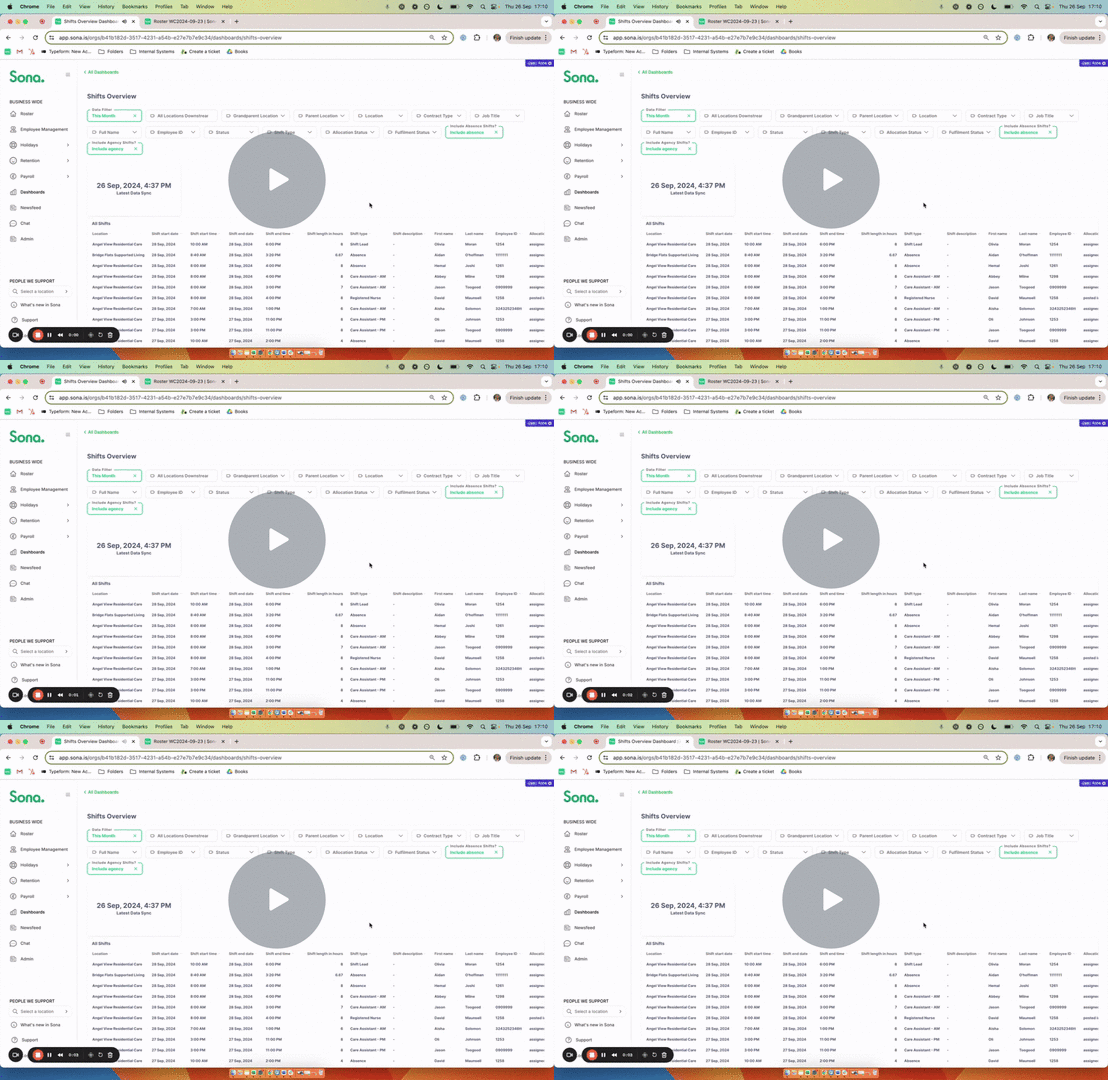
Find all raw shift data in one place for easy exports and aggregations.
 What's New?
- More advanced filtering
- Update to the data held in the table eg: we now include Shift Description
- Ability to view when the data was last refreshed
➕ What does this mean?
- Next time you view this dashboard you will be able to see all raw data associated with a shift.
- Use our new filters to drill down further into the data before you view/download.
Video Walkthrough:
💡 Advanced Filtering:
Drill down into your data based on Employee ID, Full Name, Location, Job Title, Contract Type and more. We've also created a new filter "All locations downstream from" which will filter for any locations below the selected location!
📊 Dynamic Parameter:
Interact with the dynamic parameter to view a breakdown of your employees in multiple dimensions. To do this, simply update the dynamic parameter filter. By default, this will be set to “Contract type”.
❗️Important Definitions
- Status is the field you see in Employee management and may be Active, Leaver (to leave soon), Left or Deactivated.
- Start & End Date allows you to go back in time, but only regarding the employment details (job title, pay rates, contract type etc). If an employee has more than one employment period during the selected period, the latest one will be displayed.
-
Latest Data Sync shows when the data in the dashboard was last refreshed.