
I have logged an absence in Sona HR but want to add another level of granularity - how do I do this?
When logging absences in Sona, you may find that you want to add another level of detail to the absence (for example, when logging sickness, you may want to log the reason for the sickness).
Video Walkthrough:
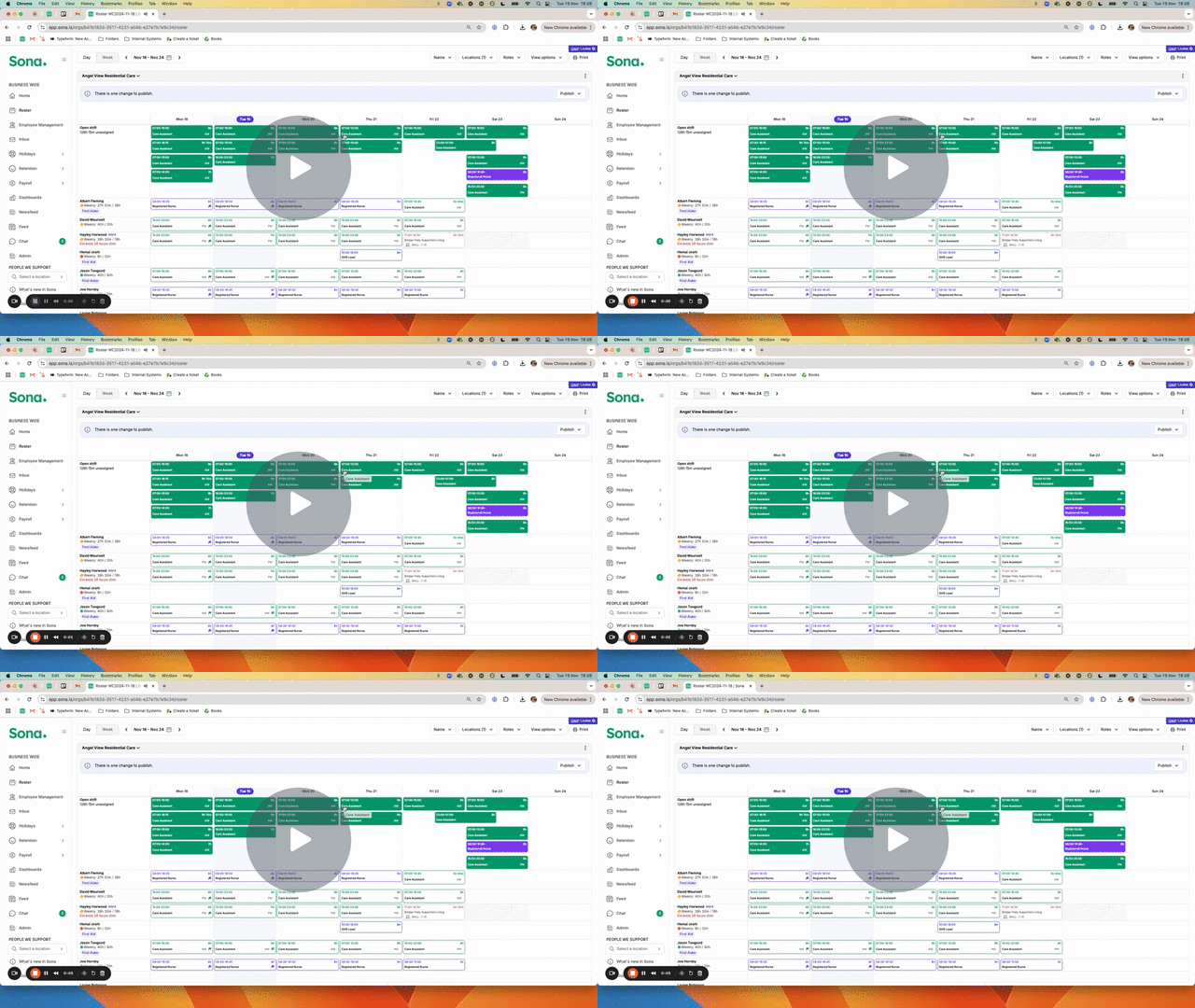
How does it work?
When adding an absence, you can choose the sub-type at the bottom to add more detail. Sub-types are entirely configurable and are unique to your organisation.
- Click "Add Absence" either via the roster or via Employee Management and fill in the details:
- Choose whether to reassign the shift to another staff member:
- Add any notes into the "Notes" text box and upload any Documents via the uploader below.
- Save.
How do I set this up absence sub-types for my organisation?
Absence sub-types are entirely configurable. Each absence type can have its own unique sub-types. To set these up, please reach out to your Customer Success Manager or Implementation Manager who can put this in place for you.
Is reporting available to include absence sub-types?
It certainly is! The absence dashboard will surface the absence sub-type and any notes which were entered by the person who logged the absence. There is an additional filter available allowing you to drill down into absence sub-types within the report.
Points to be aware of:
- The Document drop-down options are not currently configurable.
- Adding absence sub-types is only available to Sona HR customers.